


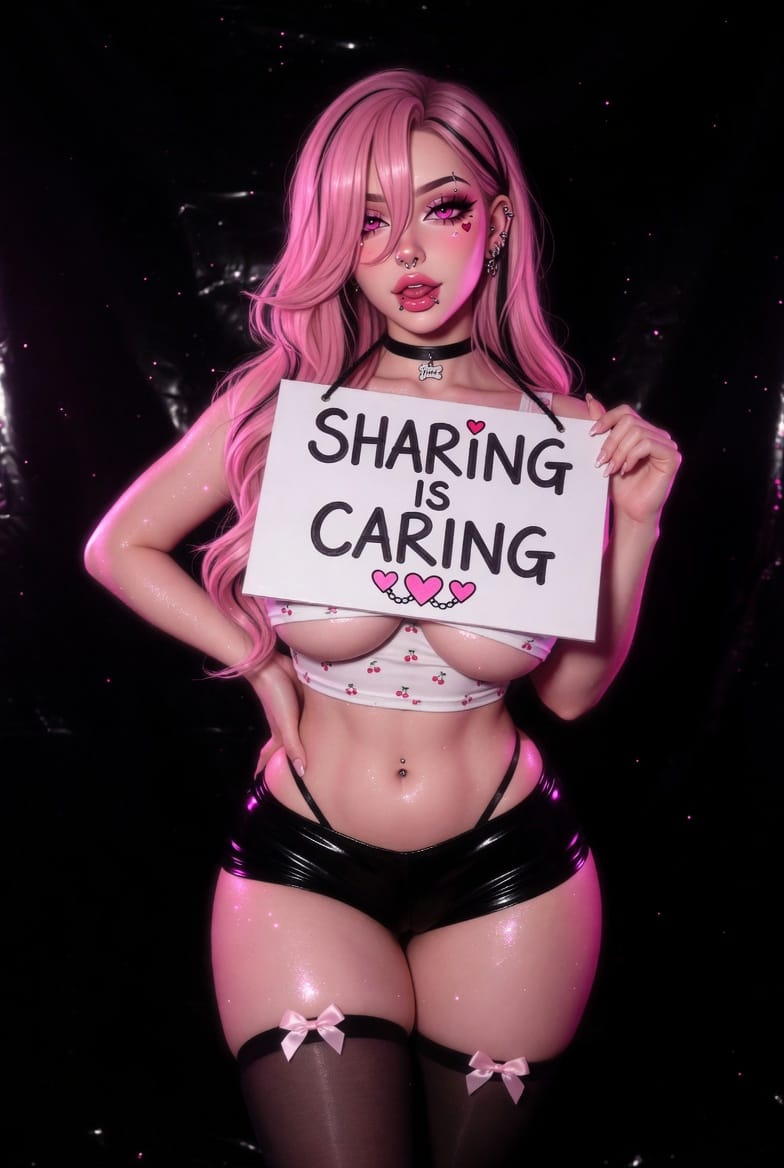
You've built your AI girlfriend. Customized her appearance. Fine-tuned her personality. Maybe you've even spent hours dialing in the perfect backstory.
Now what?
You keep her private, or you share her with the community.
Sharing isn't just about showing off. It's about contribution. Every character creation that enters the public feed becomes inspiration for someone else. The styles you invent, the personality quirks you write, the visual combinations you discover, they ripple outward.
Lovescape's community lives on shared characters. Here's how to build one worth sharing.
Why Share Your AI Character
Three reasons to make your AI character public:
1. You're Already Standing on Others' Work
Every character you browse in the feed came from a user who decided to publish. The community grows because people contribute, not just consume.
If you've ever found inspiration scrolling through community creations, you've benefited from someone else's decision to share.
2. Feedback Improves Your Character
Public characters get visibility. Visibility leads to engagement. If something about your AI girlfriend isn't working, stilted conversations, inconsistent visuals, flat personality, the community notices.
Comments and reactions tell you what's landing. You can iterate based on real feedback instead of guessing.
3. Recognition Matters
Character creators build reputations. The users who consistently share high-quality AI character designs become known for it. Their followings grow. Their creations get featured.
If you're investing time in character creation, recognition is part of the reward.
What Makes a Character Shareable
Not every AI girlfriend belongs in the public feed. Some characters are personal, and that's fine. But if you're creating with sharing in mind, certain patterns make a character more likely to resonate.
Strong Visual Identity
The first thing people see is the image. Characters with clear, distinctive visuals stand out.
What works:
- Consistent art style across images
- Recognizable silhouette or color palette
- Expressive facial features that convey personality
- Outfits that match the character's vibe
What doesn't work:
- Generic anime faces without distinguishing features
- Clashing visual elements that lack cohesion
- Overly complex designs that lose clarity at small sizes
The anime AI generator handles style, but you control coherence. Think about what makes your character visually memorable before hitting generate.
Distinct Personality
An AI character needs more than a pretty face. Personality differentiation drives conversation quality and memorability.
Character archetypes work because they're recognizable:
- The shy intellectual who opens up slowly
- The confident flirt who keeps things playful
- The mysterious wanderer with hidden depths
- The warm caregiver who prioritizes emotional connection
But archetypes alone feel flat. The best shared characters combine an archetype with specificity, unique quirks, unexpected interests, contradictory traits that create depth.
Avoid: "She's sexy and smart."
Try: "She's a theoretical physicist who obsessively collects vintage vinyl and gets awkward when someone compliments her directly."
Clear Backstory Hooks
A backstory gives your AI girlfriend context for why she acts the way she does. You don't need a 20-page biography, a few strategic hooks create depth.
Hook examples:
- A past event that shaped her worldview
- A current goal that drives her behavior
- A contradiction that makes her unpredictable
- A relationship history that informs present dynamics
Backstory isn't just for you, it gives users who find your character something to engage with immediately.
Conversation Quality
The ultimate test: Does your AI character generate good conversations?
Before sharing, chat with your creation yourself. Test different topics. Push the boundaries. See where the personality holds together and where it breaks.
If conversations feel flat after a few exchanges, the character isn't ready for the community.
How to Publish Your Character
Once your AI girlfriend is polished, sharing takes seconds.
Step 1: Finalize Character Settings
In your character editor, confirm:
- Appearance is set and images generated
- Personality traits are entered and clear
- Backstory is filled in (even minimally)
- Conversation style matches your intent
You can edit after publishing, but a polished initial version builds better community reception.
Step 2: Set Visibility to Public
In character settings, toggle visibility from Private to Public. This moves your AI character into community feeds where others can discover her.
Step 3: Add Discovery Tags
Tags help users find your character. Think about what makes your character unique and add relevant descriptors:
- Style tags: anime, realistic, fantasy, sci-fi
- Personality tags: romantic, intellectual, playful, mysterious
- Archetype tags: girlfriend, companion, partner, adventurer
The right tags connect your character with users looking for exactly that type.
Step 4: Write a Description
Characters with descriptions get more engagement. A short paragraph explaining who your AI girlfriend is and why she's interesting gives potential users a reason to click.
Don't just list traits. Write something that makes people curious.
Where Shared Characters Go
Once public, your AI character appears in:
The Community Feed: browsable by all users, searchable by tags
Creator Spotlights: high-engagement characters may get featured highlights
Community Spaces: including subreddit communities like r/VirtualGirlfriendAI and r/AIGirlfriendCreator where members share and discuss creations
Your character lives beyond your private chat. It becomes part of an ecosystem of inspiration.
Community Etiquette for Character Sharing
Sharing means participating in a shared space. A few norms keep the community healthy:
Credit Your Inspirations
If your character creation was heavily influenced by another user's design, acknowledge it. Inspiration is how the community grows, theft isn't.
Accept Constructive Feedback
Comments happen. Some are helpful; some aren't. Learn to recognize genuine feedback and use it to improve future characters.
Don't Over-Publish Unpolished Work
Quality over quantity. One well-crafted AI character builds your reputation more than five rushed creations.
Start Sharing Today
Your AI girlfriend exists. She's unique because you made her. The community is waiting.
Open your character settings, toggle to public, add your tags, and write a description that makes people curious.
Then watch what happens.